Intent01
Start from a sketch or design direction
The process began with a human design idea: a sketch, a program direction, a facade ambition, or a massing concept that needed fast visual exploration.
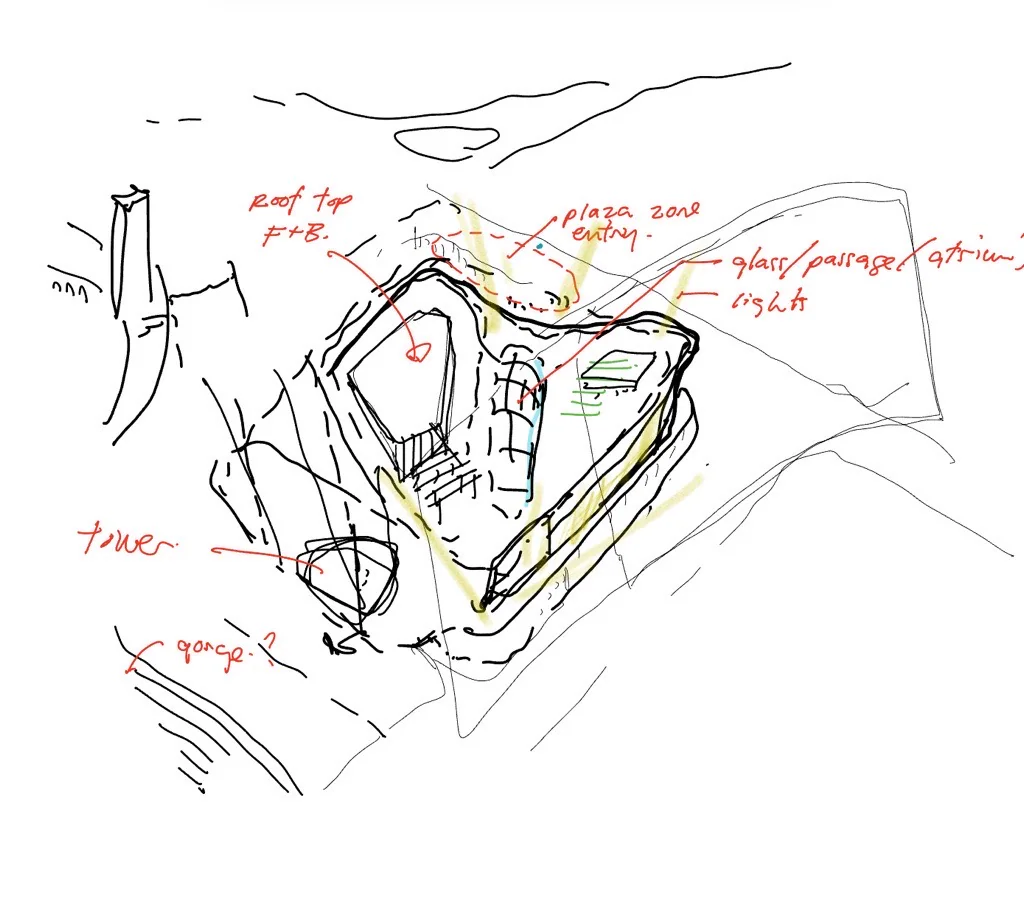

At B+H, I supported concept and competition workflows where teams needed fast AI-assisted visual iteration, but confidential project material could not be casually pushed through public cloud tools.
The useful move was connecting image generation to architectural inputs: sketch, massing, linework, depth, context, and post-production judgment.
Confidential project material stayed out of public cloud image tools.
Sketches, Rhino massing, line drawings, depth maps, masks, and site context anchored the output.
Automatic1111, ComfyUI, Stable Diffusion, ControlNet, local models, LoRAs, and Photoshop.
The goal was early visual exploration, not final rendering or replacing architectural judgment.
In 2024, the workflow still had to be assembled by hand: local setup, model testing, control images, inpainting, and compositing all had to be made usable inside real design constraints.
This was before polished architecture AI workflows were common. Getting useful images meant wiring together local models, control images, prompts, masks, and manual cleanup.
Because the work lived inside a company context, public cloud tools were not the right default. The workflow had to run locally and respect project confidentiality.
Pure prompting was too loose for design work. The useful move was to make AI follow architectural evidence: massing, perspective, linework, depth, and site context.
The sequence matters. Each step adds constraint before the AI gets to improvise, then human judgment brings the output back into architectural communication.
The process began with a human design idea: a sketch, a program direction, a facade ambition, or a massing concept that needed fast visual exploration.
Rhino gave the workflow a simple but crucial architectural base: proportion, viewpoint, site relationship, and the broad geometry the image should respect.
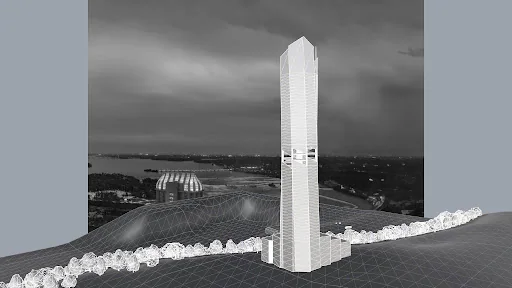
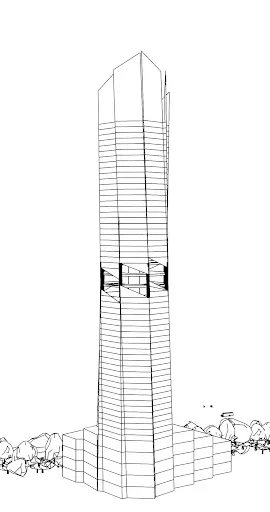
Line drawings and depth maps were exported as ControlNet inputs. This was the technical hinge: the AI could explore atmosphere without losing the architecture.
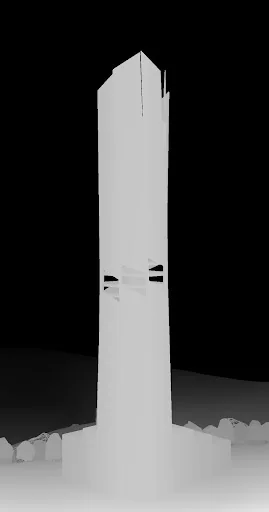
Depth maps gave the model another reading of foreground, background, height, and mass. The more the image was constrained, the less it behaved like a random generator.
Automatic1111 and ComfyUI made it possible to test models, LoRAs, ControlNet settings, prompts, and inpainting without sending project material to external services.
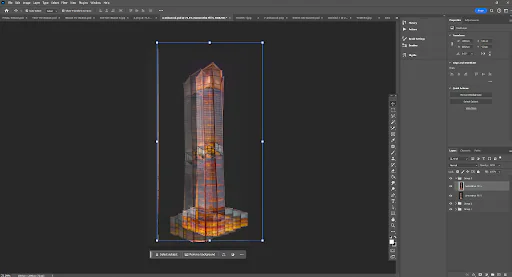
The final step was not automatic. Outputs were selected, repaired, layered, and placed into context through Photoshop so the image could support a design conversation.
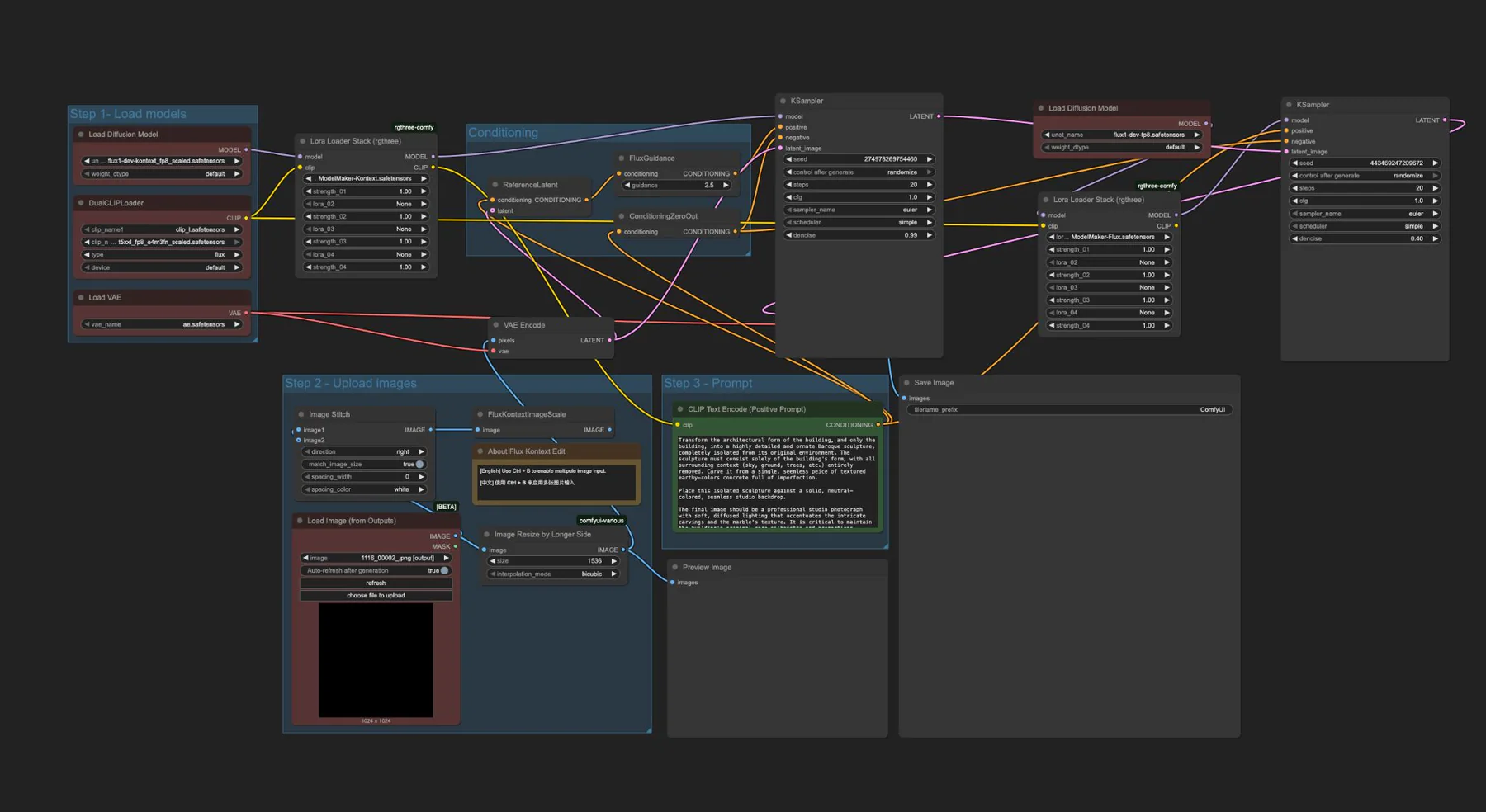
The screenshots show the historical limitation: the workflow was not packaged yet. It had to be constructed from local interfaces, node graphs, settings, prompts, control inputs, and manual finishing.
This was not a single prompt box. It was a local graph of models, conditioning, image inputs, and output handling.
Automatic1111 was useful for fast tests, img2img, ControlNet settings, inpainting, model selection, and keeping the workflow on a local machine.
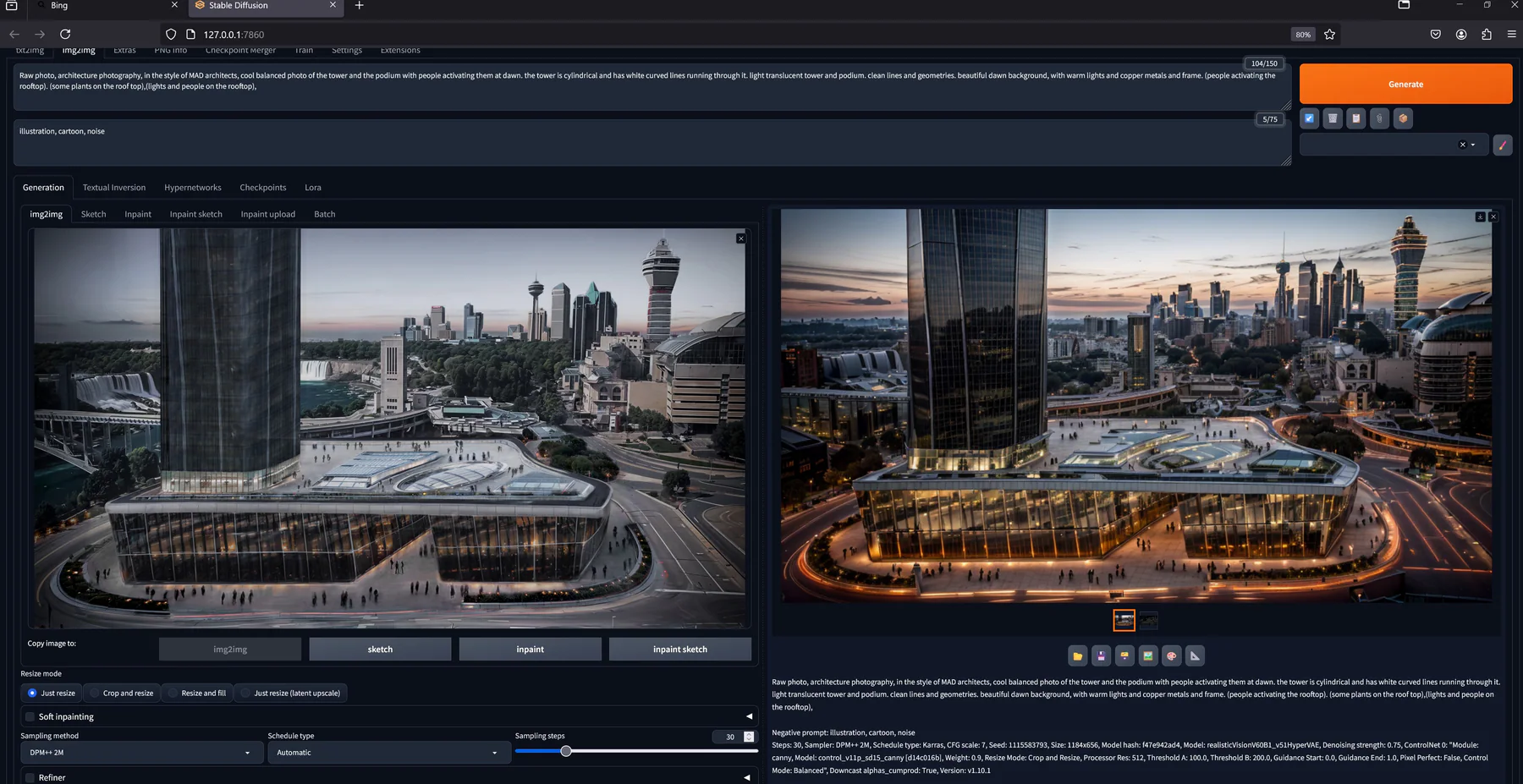
The final artifact still needed design judgment: selecting useful outputs, repairing artifacts, balancing context, and composing the image for review.
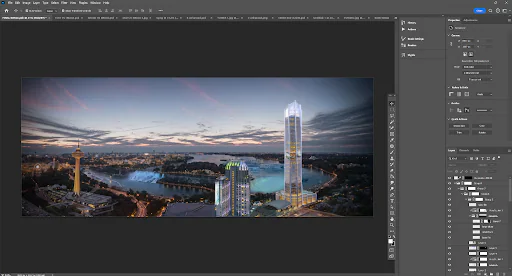
The workflow let the team hold massing logic relatively steady while testing material, atmosphere, facade expression, lighting, and proportion across multiple outputs.
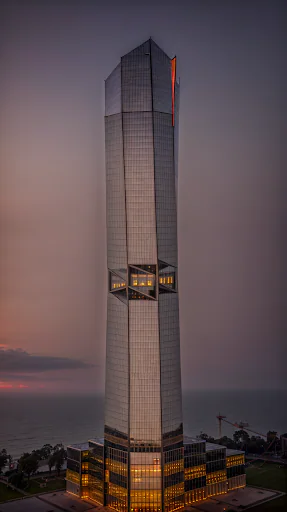
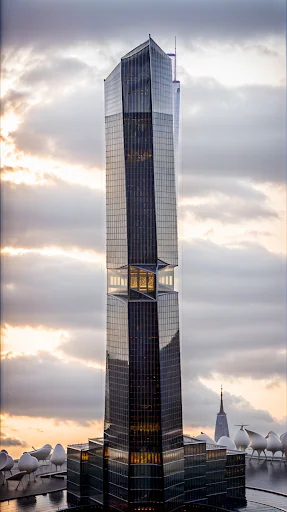
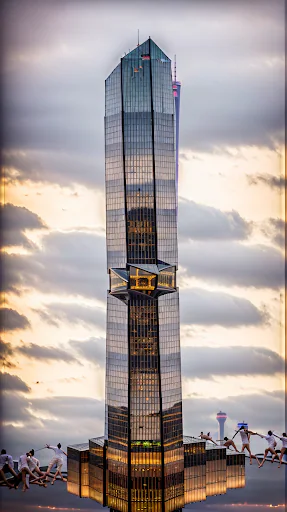
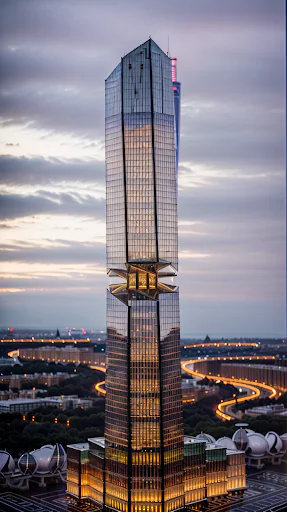
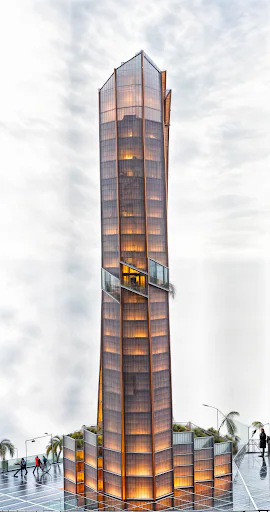
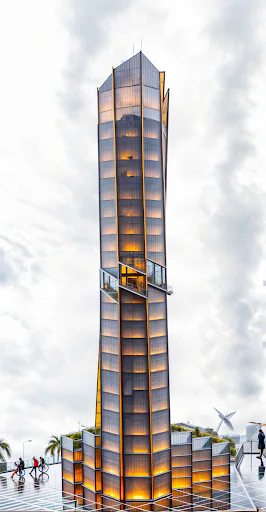
The value was not a single lucky image. The same pattern could move across different project types because the workflow was based on controls, not only prompts.
A concept image used to test mood, scale, lighting, and public-facing atmosphere during early design iteration.
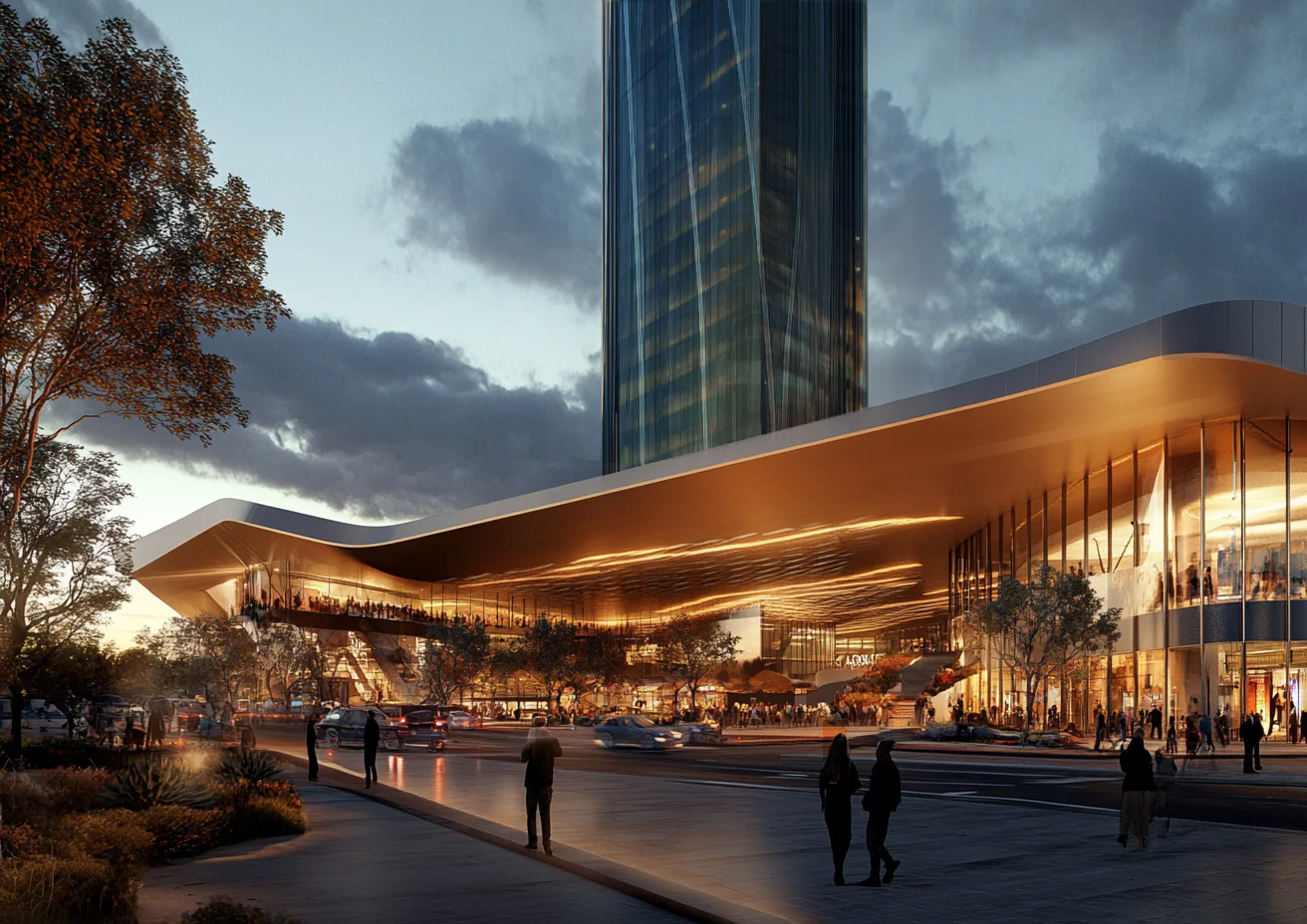
A tower concept moved from sketch and massing through controlled generation and Photoshop placement into an urban context.
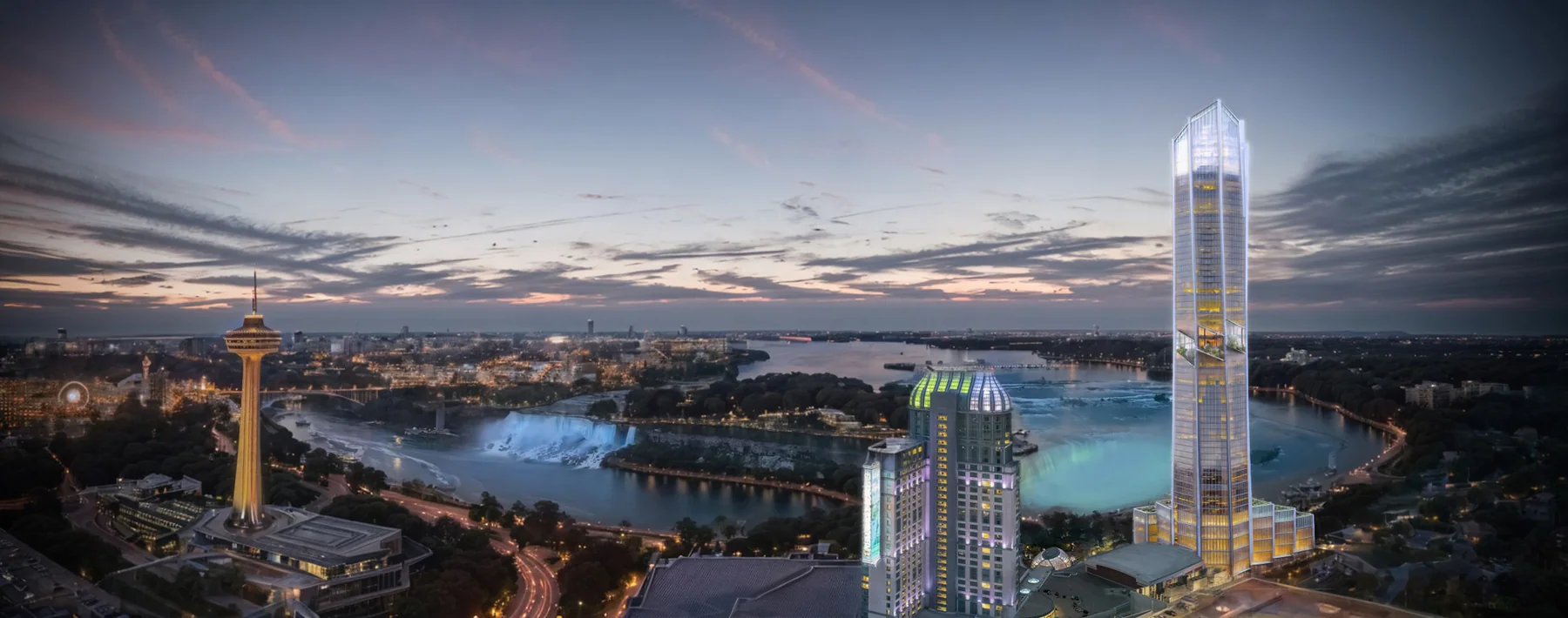
The workflow mattered because the constraints were real: local execution, confidentiality, controlled inputs, and design judgment.
The work is not autonomous design or final client rendering. It is a controlled visualization workflow for early design review.
The useful work was translating immature AI tools into a local workflow for architects: private, constrained, iterative, and tied to design intent.
The specific 2024 methods will keep aging, but the pattern still matters: understand the design problem, respect confidentiality, build the missing workflow, test it against real project constraints, and communicate the result clearly enough for a team to use.